
Once you’ve calculated your net worth, the next question is how to keep track of it. There are really only three approaches, and each suits a different kind of person. Full disclosure: I build Worthy, which is one of the options below, so I’ve tried to be fair about where it isn’t the right fit.
Option 1: A spreadsheet
A Google Sheets or Excel template, either one you build or a ready-made one.
Pros
- Free, or a small one-off cost for a premium template
- Complete control over the layout and calculations
- Easy to share with a partner or adviser
Cons
- Every number is updated by hand, including investment prices and loan balances
- Easy to skip a month, and gaps make the trend hard to read
- Formulas break, and live-price add-ons can need broad account permissions
Best for: people who enjoy building their own system and like tinkering with formulas.
Option 2: A bank-linked app
Apps that connect to your bank and brokerage accounts through an aggregation service and pull in balances and transactions automatically. Examples include Monarch, Empower and Kubera, and in Canada, Wealthica.
Pros
- Balances update automatically once your accounts are connected
- Usually include spending, budgeting and transaction tracking
- Good for large or complicated portfolios across many institutions
Cons
- Usually a monthly or yearly subscription
- Your balances and transactions are stored on the company’s servers
- Connections can break and need re-authenticating, and not every institution is supported
- If the company shuts down or changes direction, you can lose access to your history (this has happened more than once)
Best for: people who want everything synced automatically, including spending, and are comfortable sharing account access.
Option 3: A private app that doesn’t link to your bank
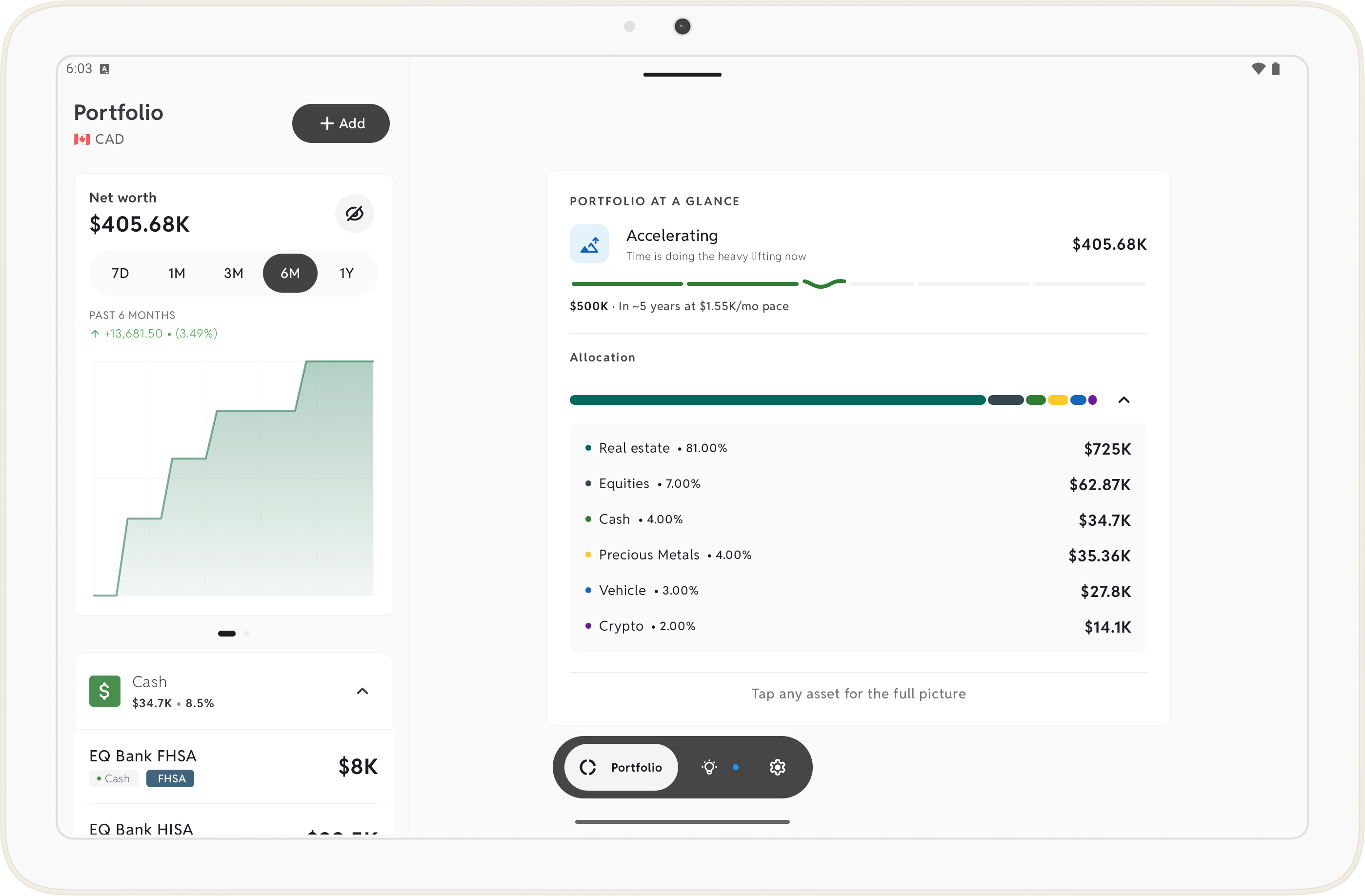
Apps where you add your accounts yourself and your data stays on your phone. This is the category Worthy is in.
Pros
- Nothing to connect, so no bank logins or credentials shared with anyone
- Your data stays on your device, so it doesn’t depend on a company’s servers staying online
- Can still keep numbers current: Worthy updates stock and crypto prices automatically, amortizes mortgages on schedule and accrues interest on savings and credit cards
- Often a one-time purchase rather than a subscription
Cons
- You enter balances that can’t update themselves, such as a bank account or a property value
- No transaction or spending tracking in most of them, Worthy included
- Moving to a new phone means using a backup, since there’s no cloud account
Best for: people who care about privacy, want to see their net worth rather than track every purchase, and would like most of the updating done for them.
Side by side
| Spreadsheet | Bank-linked app | Private app | |
|---|---|---|---|
| Cost | Free or one-off | Subscription | Often one-time |
| Bank connection | No | Yes | No |
| Where your data lives | Your files | Company servers | Your device |
| Investment prices | Manual, or add-ons | Synced | Automatic in some apps |
| Spending tracking | If you build it | Yes | Usually no |
| Effort each month | Highest | Lowest, once connected | Low |
Which should you choose?
- Love building your own system? Use a spreadsheet.
- Want everything synced, including spending, and don’t mind sharing access? Use a bank-linked app.
- Want your net worth kept current without handing over your bank logins? Use a private app. If that’s you, Worthy is a one-time purchase (US$16.99) on Android and iPhone, with a free tier for up to 5 assets.
Whichever you pick, the best tool is the one you’ll still be using a year from now. A consistent monthly update beats a perfect system you abandon. For a reference point along the way, the free net worth by age calculator compares you with the official median for your age.